
For coaches and teams
One Code, and Every Family Has the Schedule.
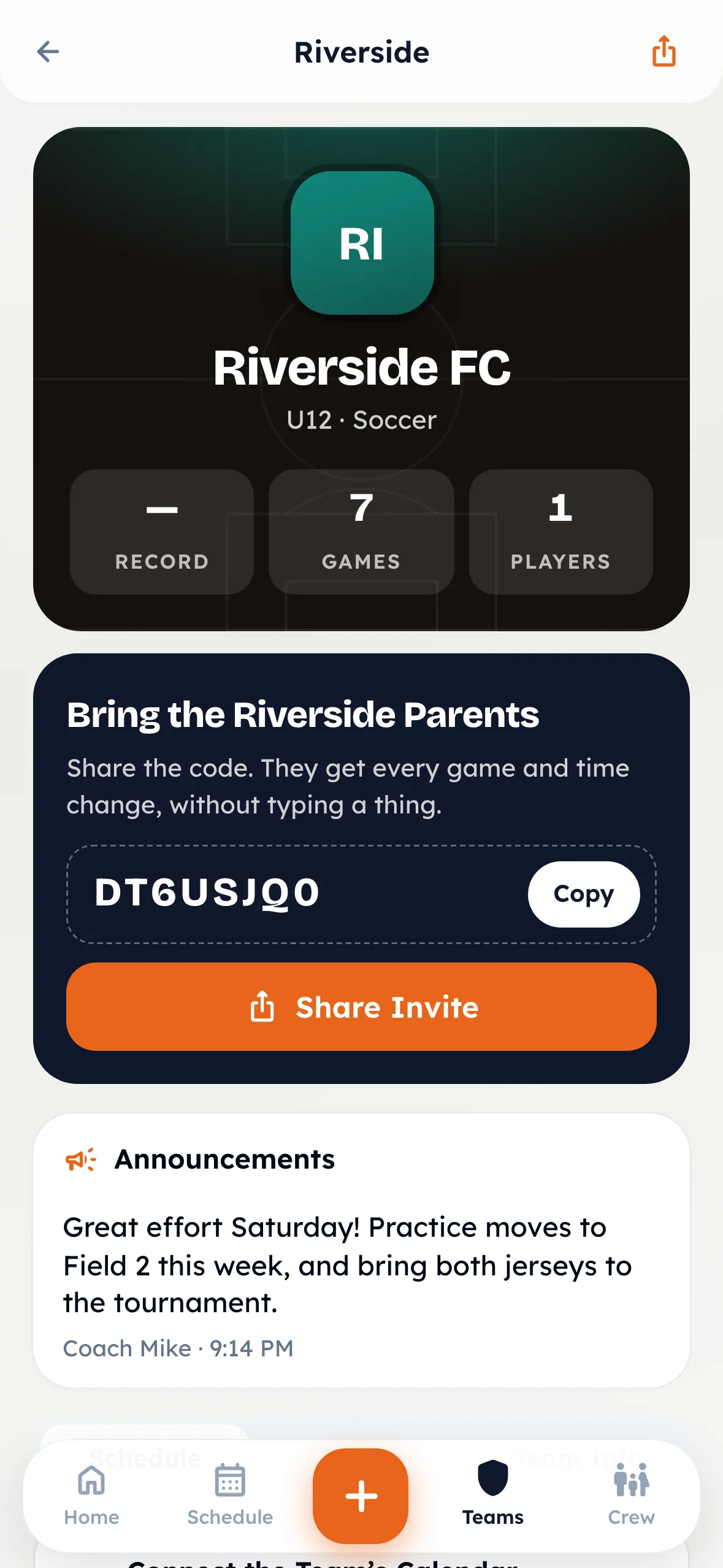
Coaches and team managers set up the team once and share its code. Every family who joins gets every game and time change in their own family calendar, right beside their other kids' teams. Post an announcement, and every family on the team gets an alert.
How It Works
- 1
Set Up the Team
Add the team name, sport, grade or level, and the schedule, from a flyer, a link, or by hand.
- 2
Share the Code
Families join with one code and never type a game.
- 3
Post Updates
Announcements and schedule changes reach every family on the team as one clear alert.
Less Chasing, Fewer Texts
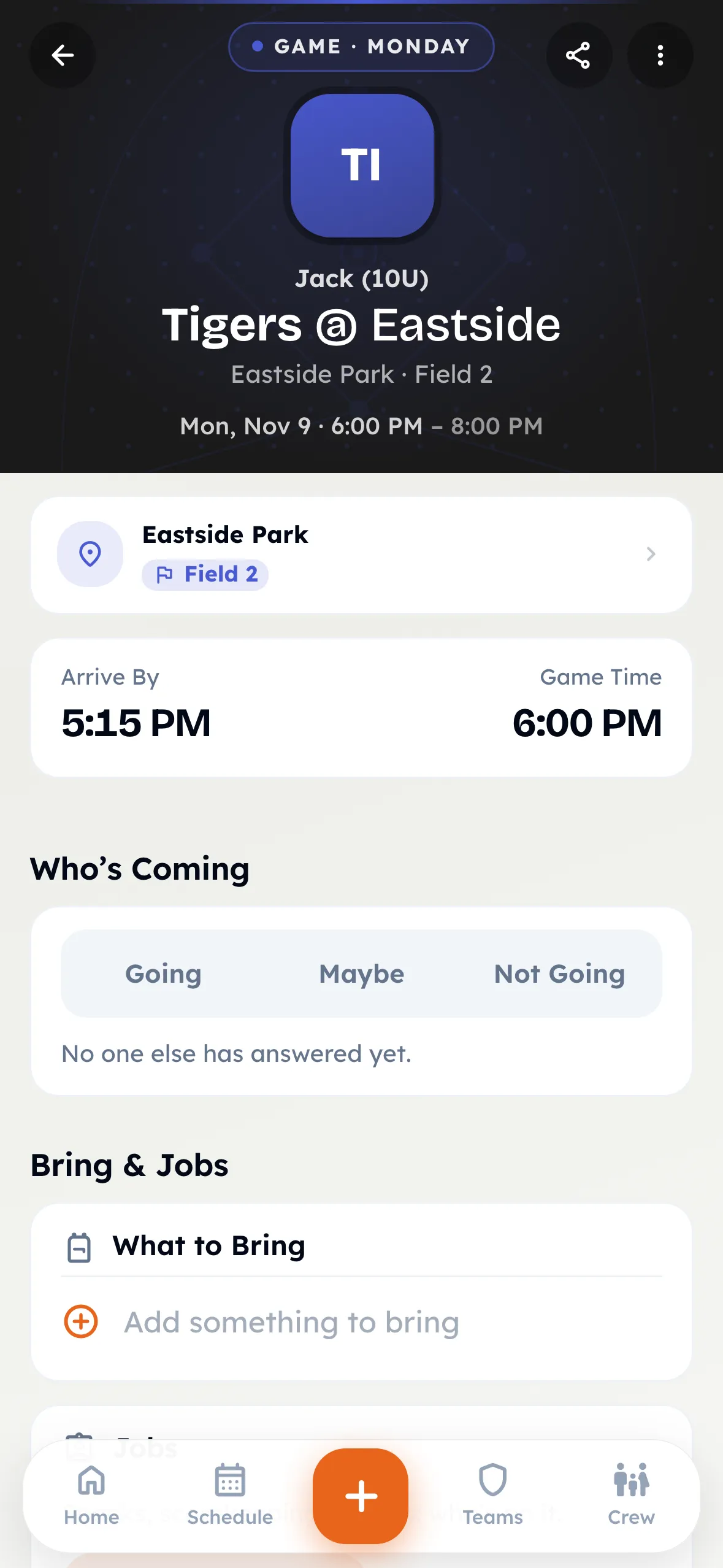
When a game moves, every family who sees it gets one alert, so nobody misses the change in a group text. Each family sorts out its own rides and RSVPs, so the coach doesn't have to.
- Announcements every family on the team sees
- Coaches and staff can message families directly
- Head coaches, assistants, managers, and team admins
Families See Their Whole Week
Because each family's calendar holds every team their kids play on, conflicts show up before game day instead of at the field. Already on TeamSnap or GameChanger? Families can bring that schedule in too.
Coaches and Teams
Common Questions.
Do families need to type in the schedule?
No. They join with the team code and every game comes in, with time changes on their own.
What happens when a game moves?
Every family who sees that game gets one alert with what changed. Canceled games are marked canceled.
Can a team have more than one coach?
Yes. Teams can have head coaches, assistant coaches, managers, and team admins.
Can we keep using TeamSnap or GameChanger?
Yes. Families can bring a TeamSnap or GameChanger schedule into Calendar Crew alongside everything else.
Get Your Season on One Calendar.
Join the early-access list and we'll email you the moment a spot opens up.
Free while in early access. No credit card.