
For schools
School Teams and School Days, on One Calendar.
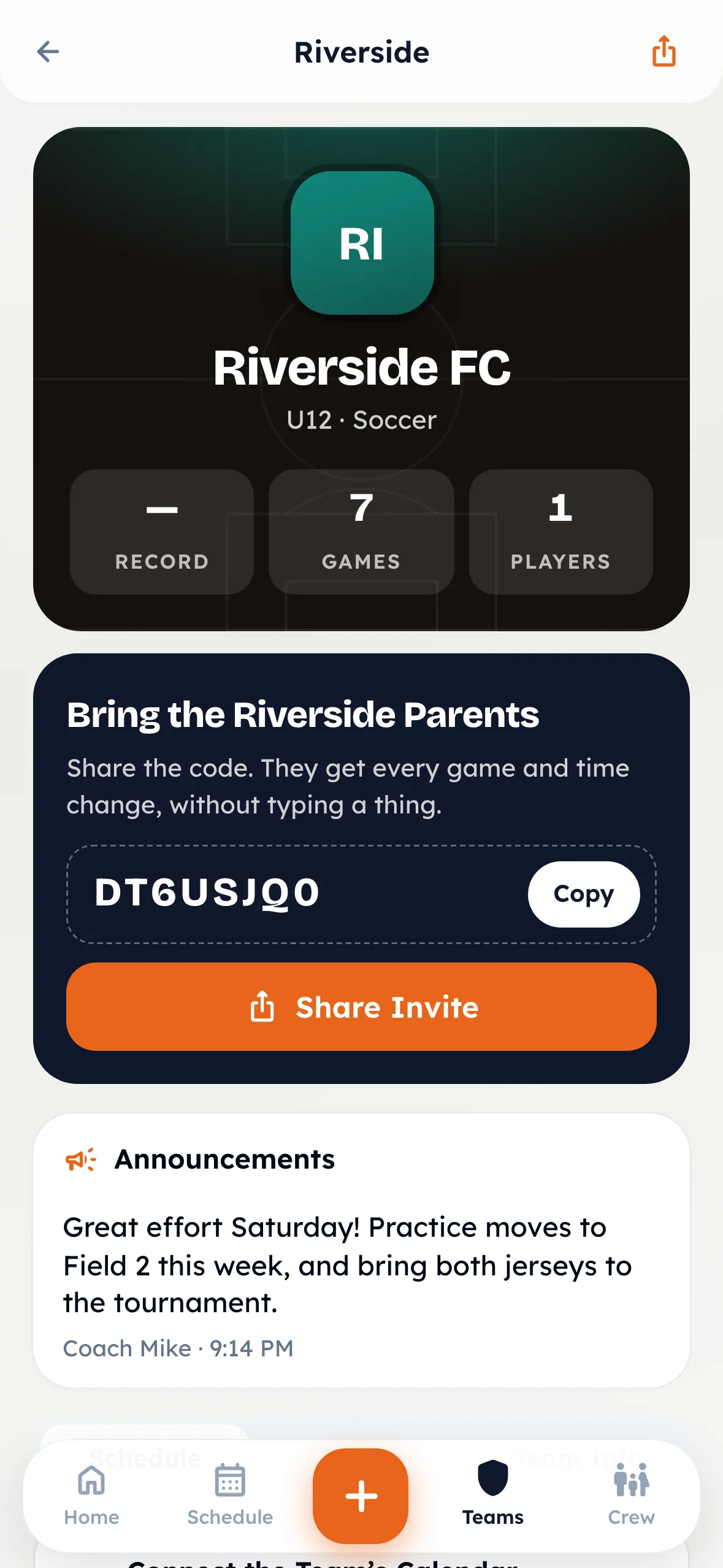
Calendar Crew keeps school sports and the school calendar in the same place as everything else a family juggles. School teams are set up by grade or level, families join with one code, and the school calendar comes in from ParentSquare or any calendar link.
How It Works
- 1
Set Up Each Team by Grade
The 7th and 8th grade teams each get their own name, level, and schedule.
- 2
Share the Code With Parents
Families join with one code and see every game and change.
- 3
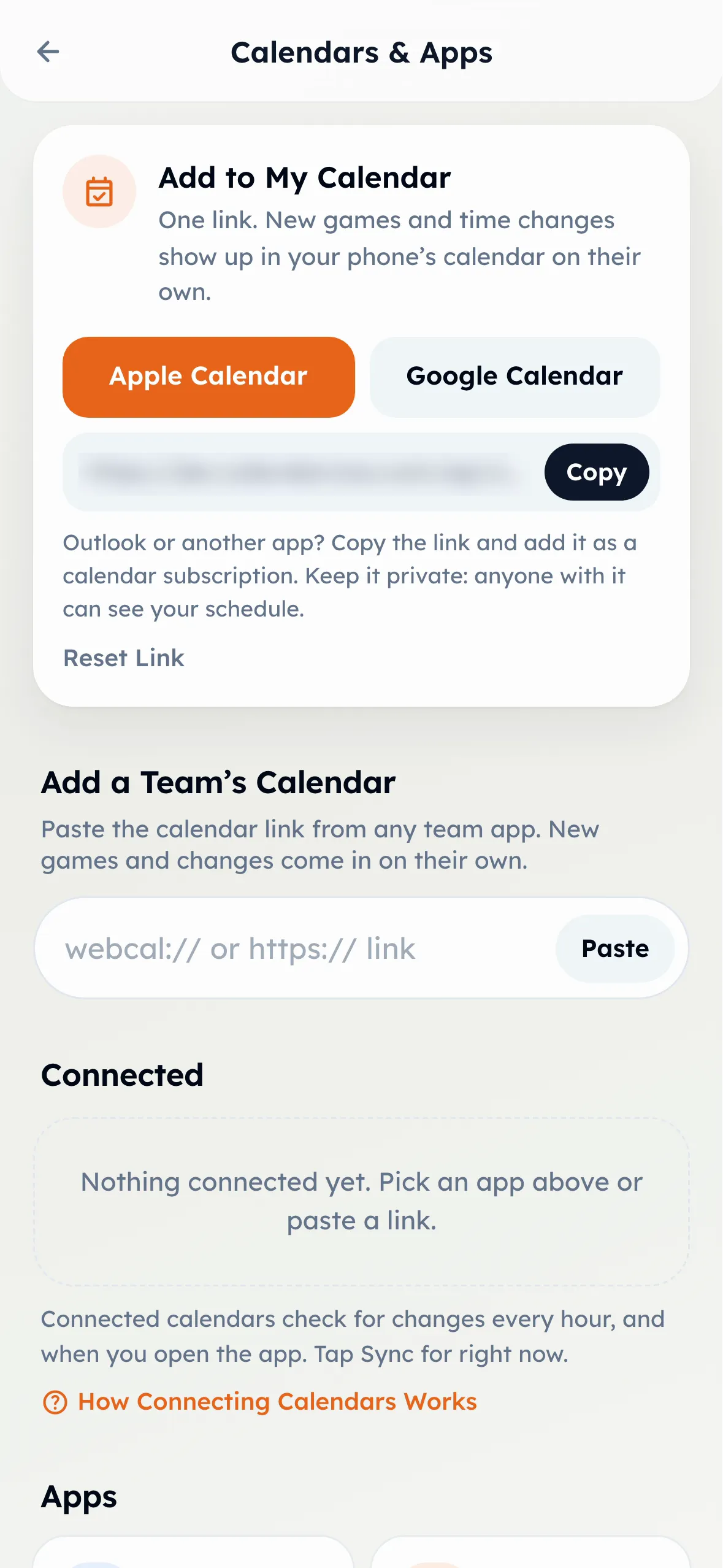
Bring In the School Calendar
Paste the school's ParentSquare or calendar link, and school days sit beside the games.
Built for School Athletics
Coaches post announcements every family on the team sees, and a moved game reaches every family as one alert. Families sort out their own rides and RSVPs.
- A team for every grade and level
- Announcements and messages from coaches and staff
- Canceled and moved games marked for every family
Connect the School's Athletics Calendar
Many schools publish one calendar for every team. Connect it, pick your kid's team, and only that team's games come in, marked home or away with the opponent. When the school moves a game, it moves on your calendar too.
- Meets the school lists as TBA show as Time TBA, with an alert when the time is set
- A school schedule page with no calendar link is checked every morning
- Games you added from a flyer switch over to the school's calendar, so they stay current
For School Families
A middle schooler's basketball games, a sibling's club soccer, and early release days all land in one family calendar, with overlaps flagged before they become a problem.
Schools
Common Questions.
Can each grade have its own team?
Yes. Teams carry a grade or level, so the 7th and 8th grade teams at the same school stay separate.
Can I connect my school's athletics calendar?
Yes. Paste the link to the school's athletics calendar, pick your kid's team, and only that team's games come in. When the school changes a game, your calendar follows, and your crew gets one alert.
Does it work with ParentSquare?
Yes. Paste the school's ParentSquare calendar link and school events come in and stay current.
Do parents need another app?
Calendar Crew works in any browser. Parents join the team with its code, and the games land in their family calendar.
Get Your Season on One Calendar.
Join the early-access list and we'll email you the moment a spot opens up.
Free while in early access. No credit card.